How to manually mark as Approve an Assessment/Reassessment (For administrative Staff)
This guide provides a straightforward method for manually approving assessments or reassessments that are pending approval. By following the simple steps outlined, users can efficiently update the status of their assessments to "Completed," ensuring timely processing and management. It's an essential resource for anyone involved in assessment oversight, streamlining the approval workflow.
1. From the Assessments section:
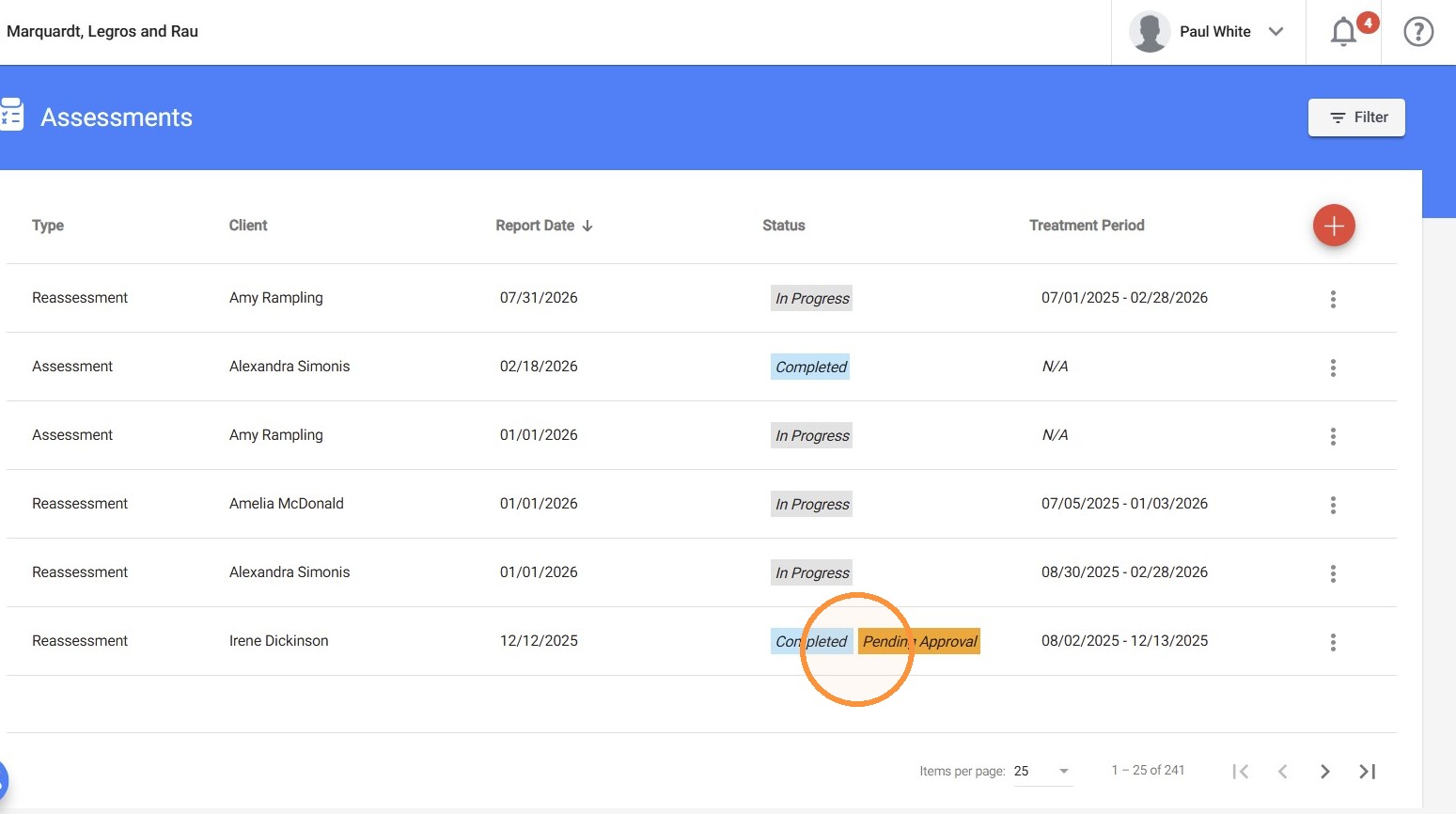
- Locate the desired assessment or reassessment with a Completed – Pending Approval status.
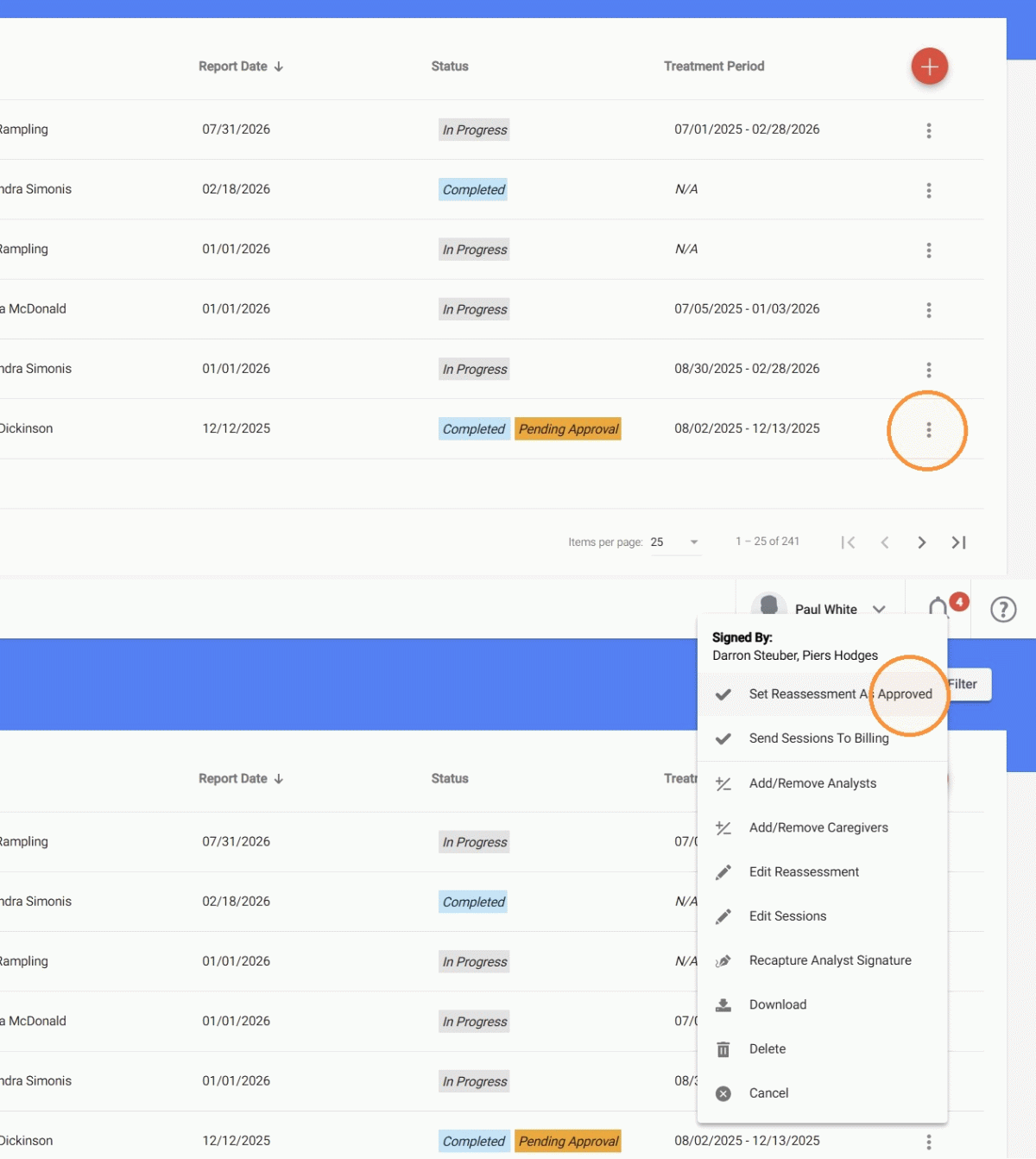
2. - Click the three-dot icon next to the record.
- Select Set Reassessment As Approved
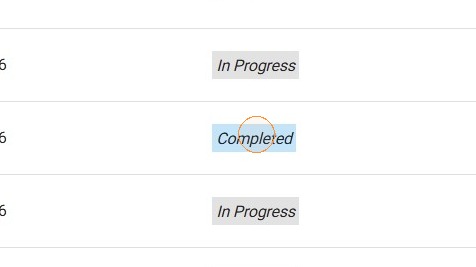
3. This will update its status to Completed.