
How to make an Insurance Inactive (for administrative staff)
This guide provides a straightforward process for making an insurance policy inactive, ensuring that users can efficiently manage their client profiles. By following these simple steps, you can prevent outdated insurance information from being used, maintaining accuracy in your records. It's essential for anyone looking to streamline their insurance management and enhance client service.
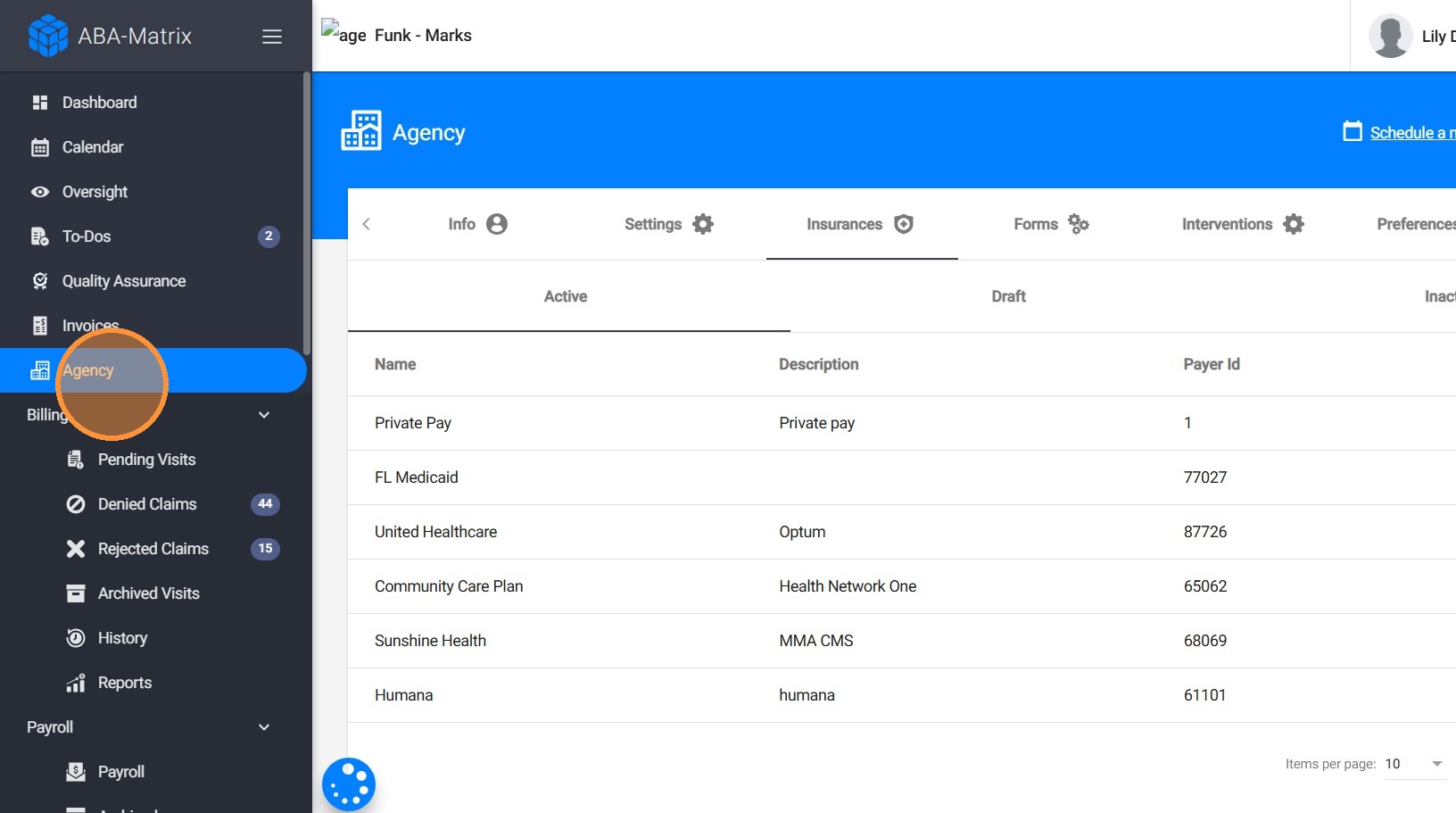
1. Click "Agency"
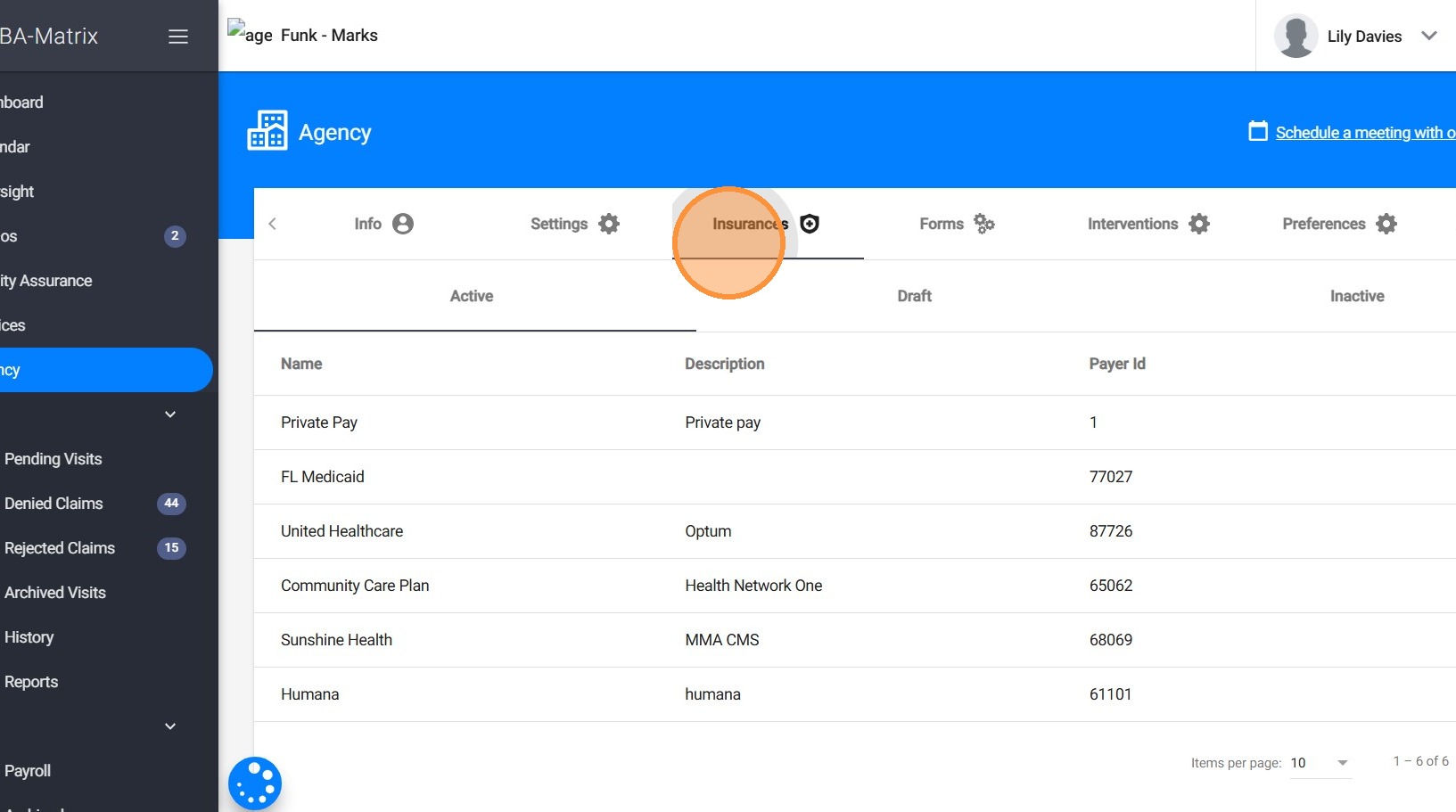
2. Go to "Insurances"

3. Go to the three dots on the right side of the insurance you want to inactivate and click "Make Inactive"
4. Click "Confirm"
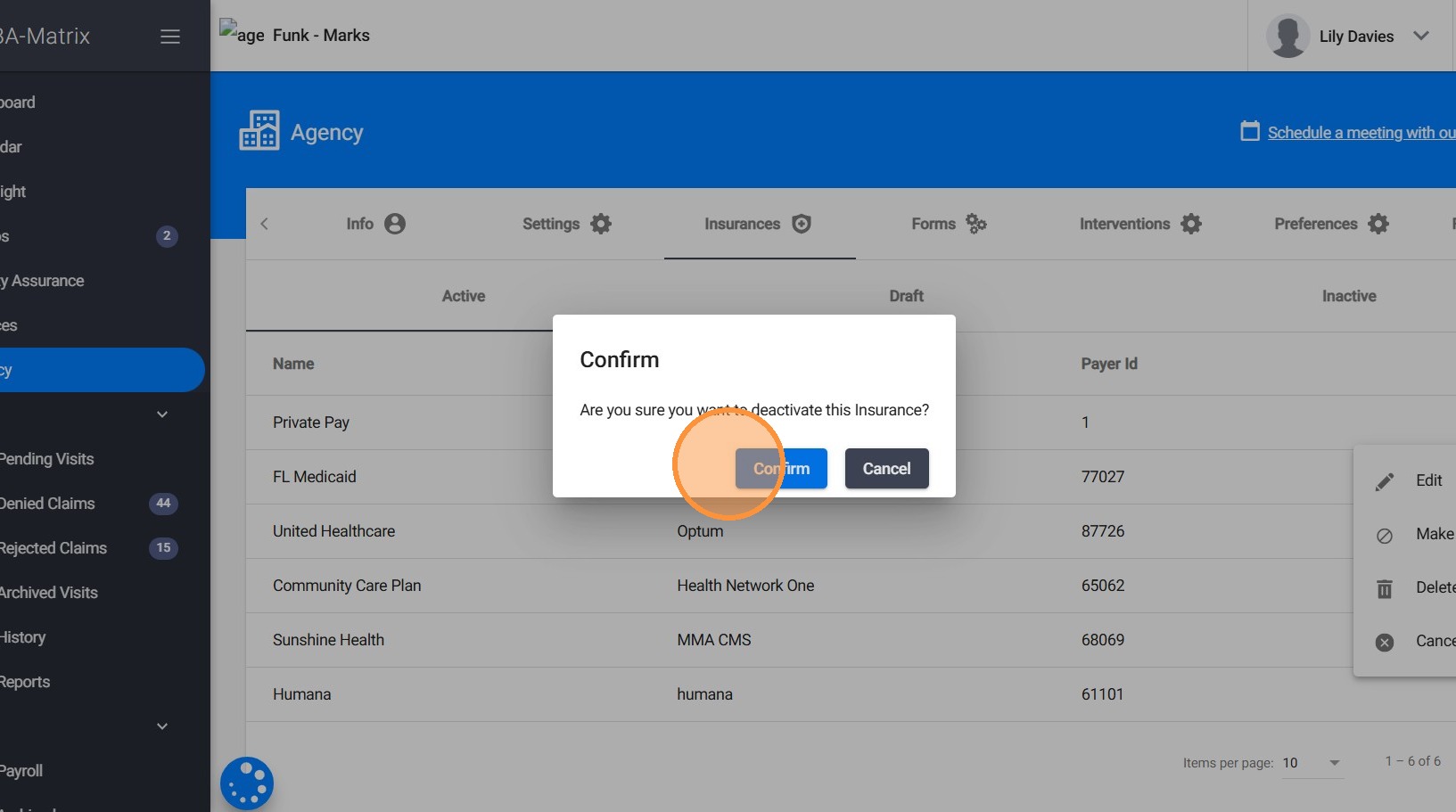
Once an insurance is marked as inactive, it will no longer be available for use in client profiles, including adding or updating insurance information.