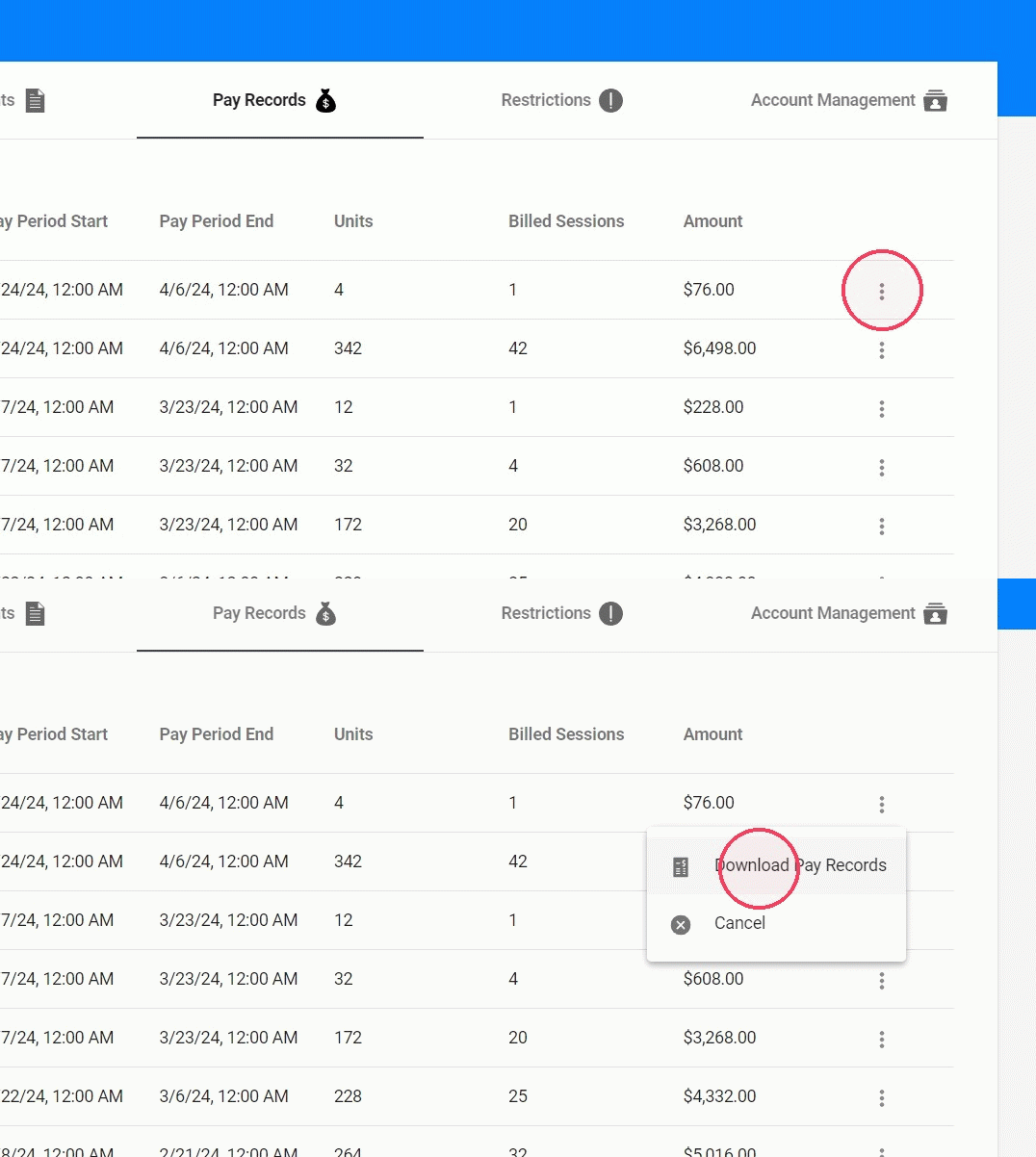
How can I check my Pay Records (For RBTs & Analysts)
This guide provides a simple step-by-step process on how to check and download your pay records. By following these instructions, employees can easily access their payment history and generate reports.
Tip: Each employee will have access to their payment history, they just have to follow these steps:
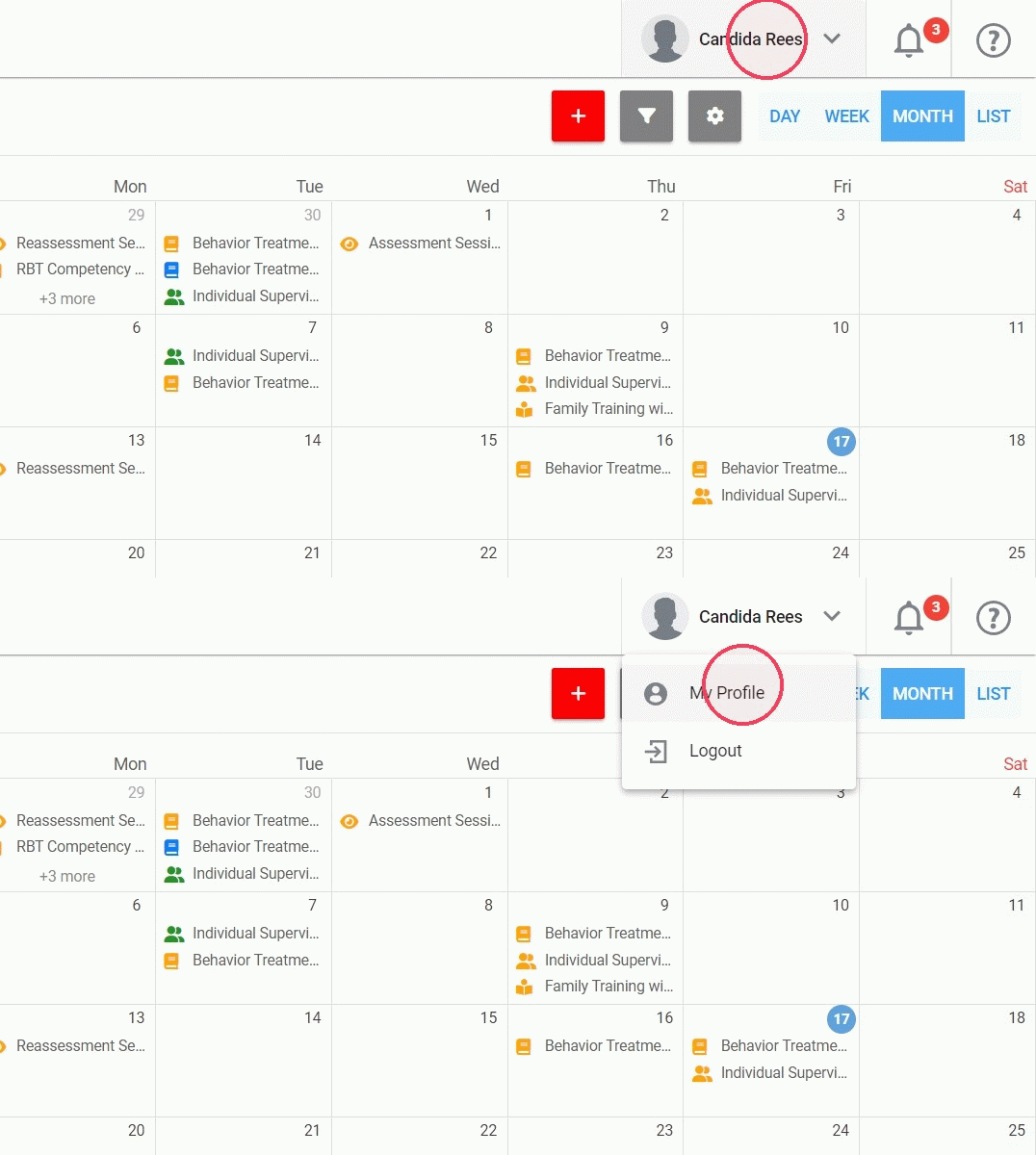
1. Login to your account, and go to your profile:
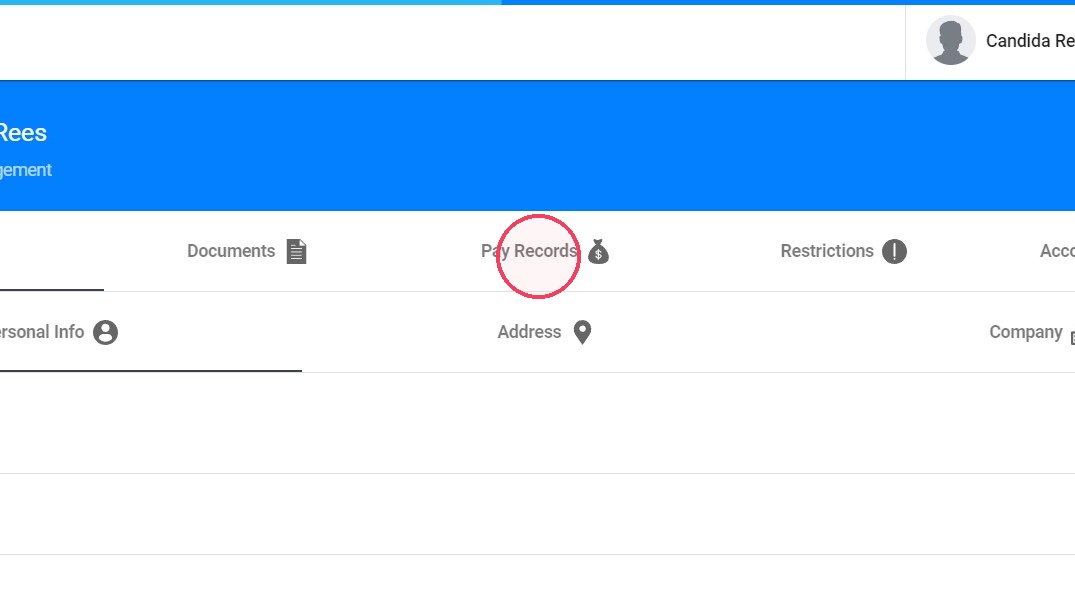
2. Select the Pay Records tab
3. Then you can check the history and download the report you want: